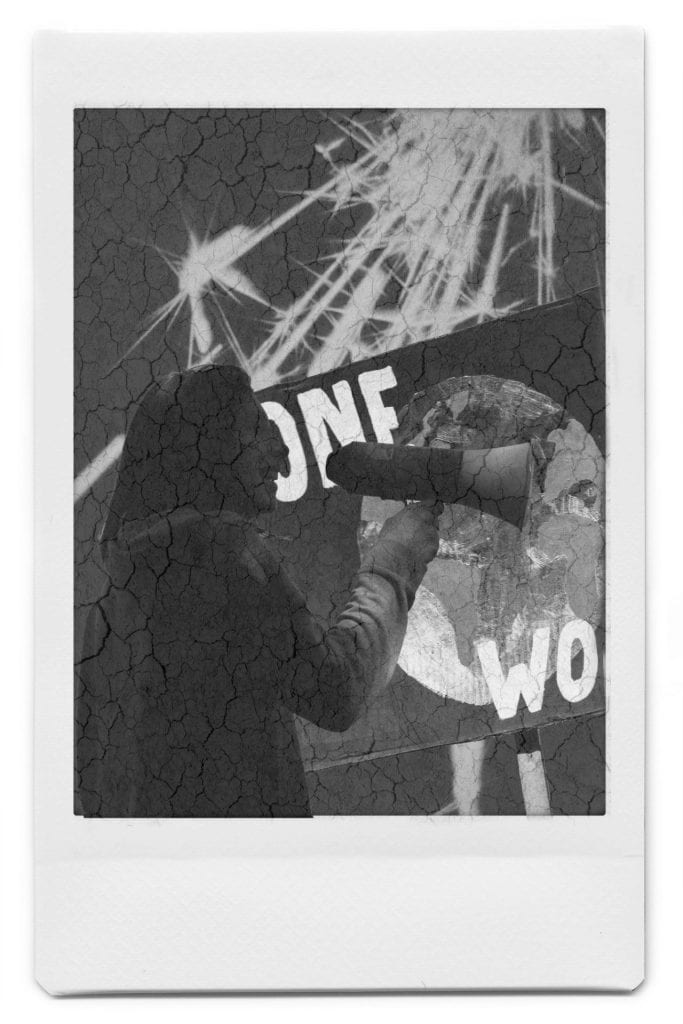
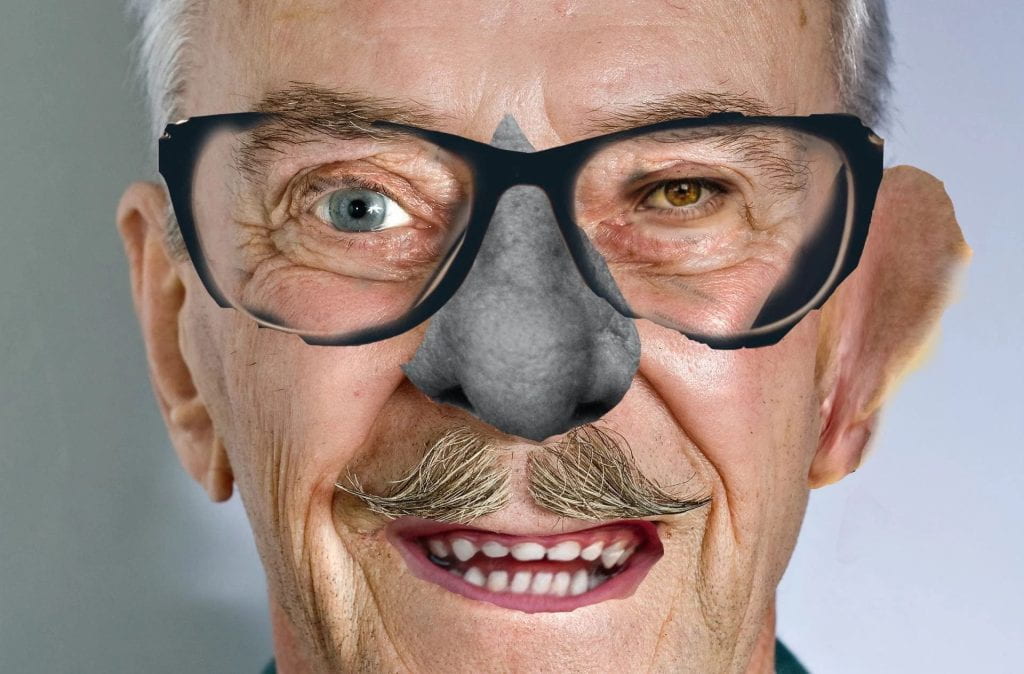
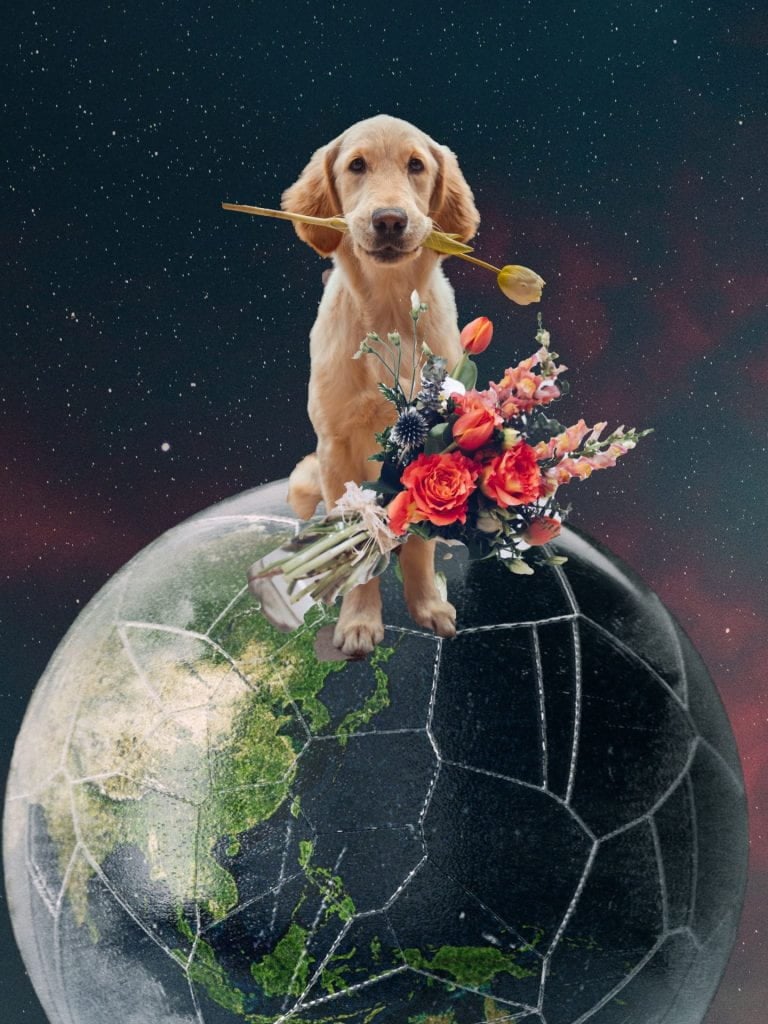
Persona
INTRODUCTION TO PHOTOMONTAGE
Collage is the art of reinvention a magical and tactile process that invites you to collect, experiment, combine and transform.
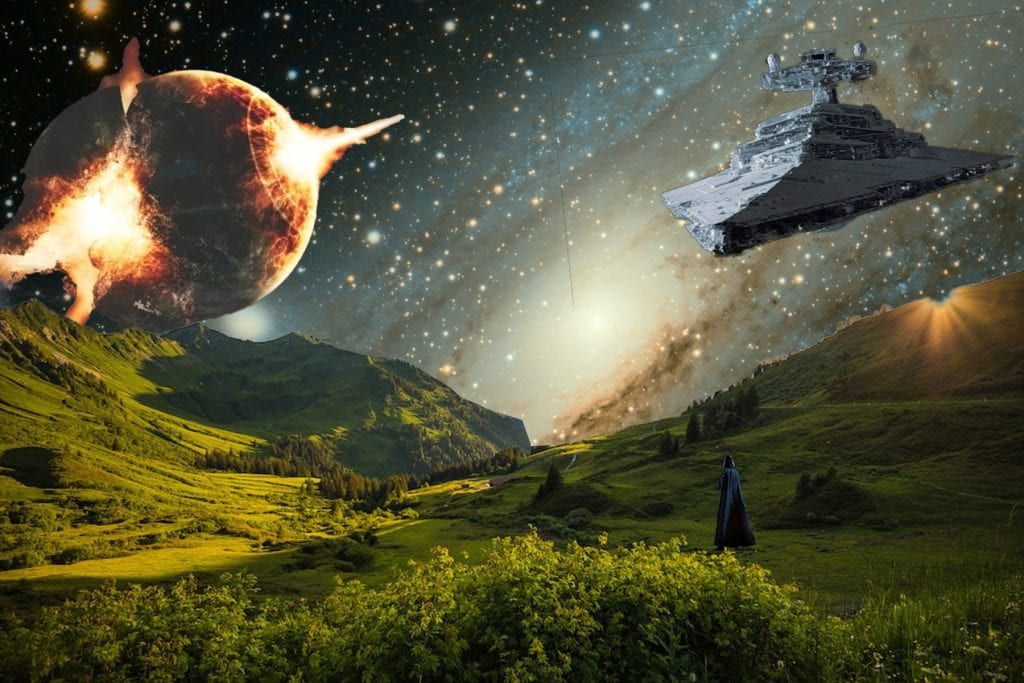
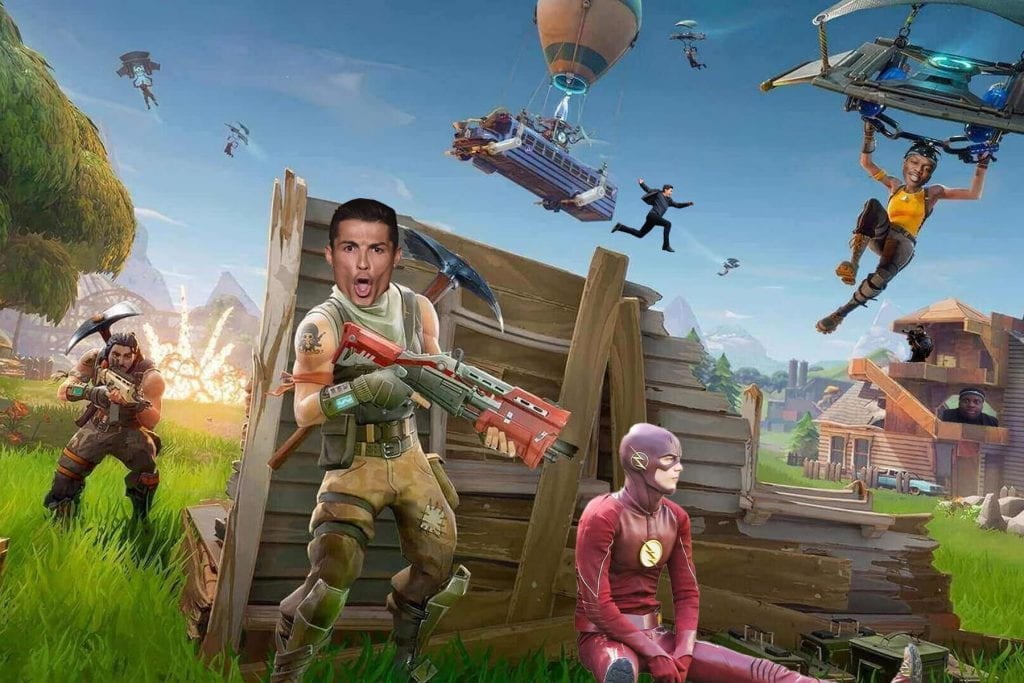
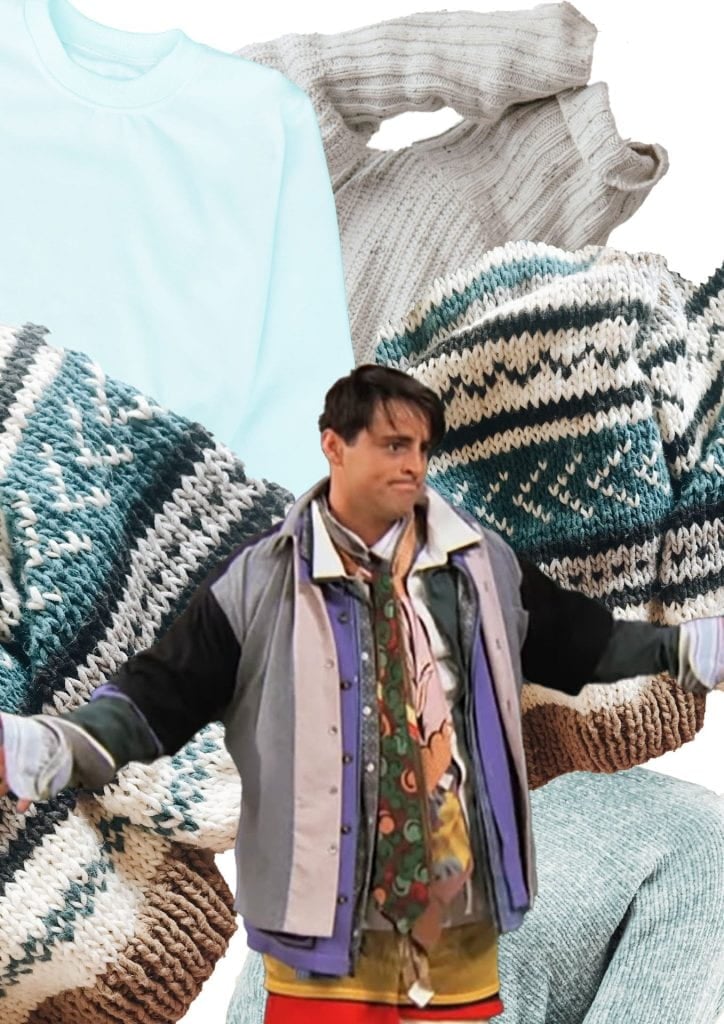
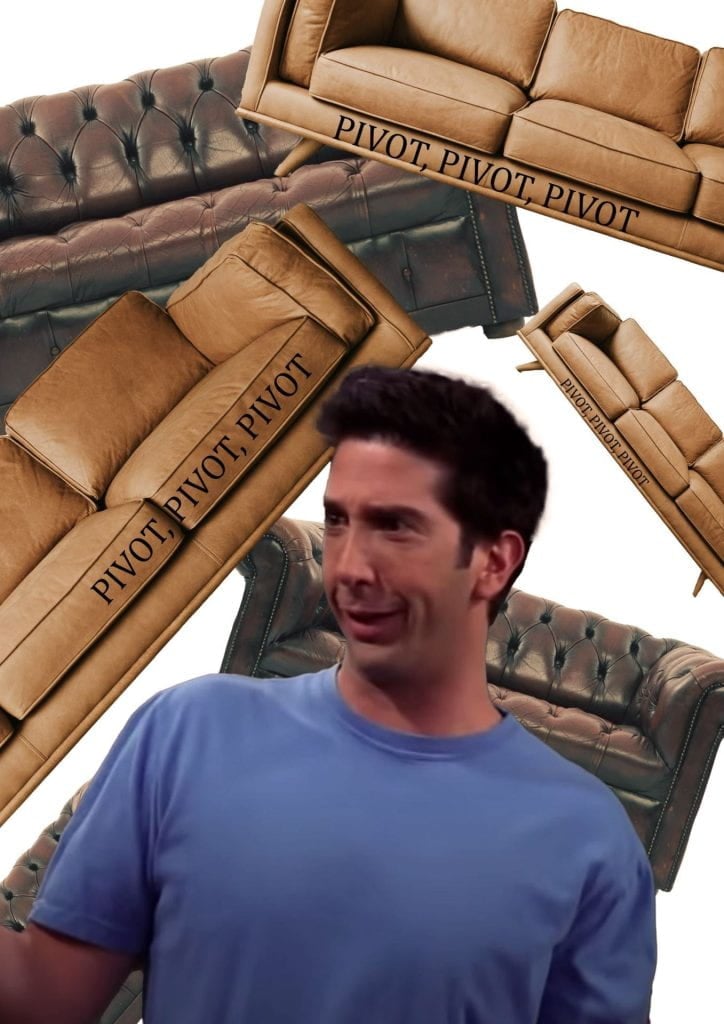
– A photomontage is a montage constructed from photographic images.
– Photomontage is often used as a means of expressing political dissent.
– Photomontage was first used as a technique by the dadaists in 1915 in their protests against the First World War. It was later adopted by the surrealists who exploited the possibilities photomontage offered by using free association to bring together widely disparate images, to reflect the workings of the unconscious mind.
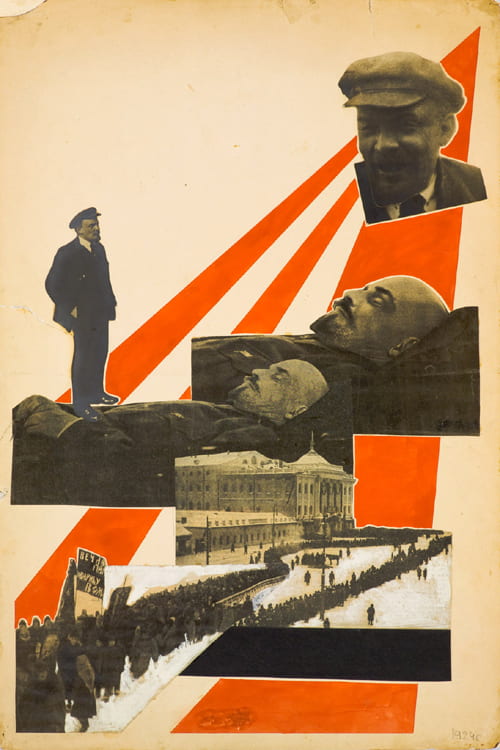
Aleksandr Rodchenko

In 1923 the Russian constructivist Aleksander Rodchenko began experimenting with photomontage as a way of creating striking socially engaged imagery concerned with the placement and movement of objects in space.



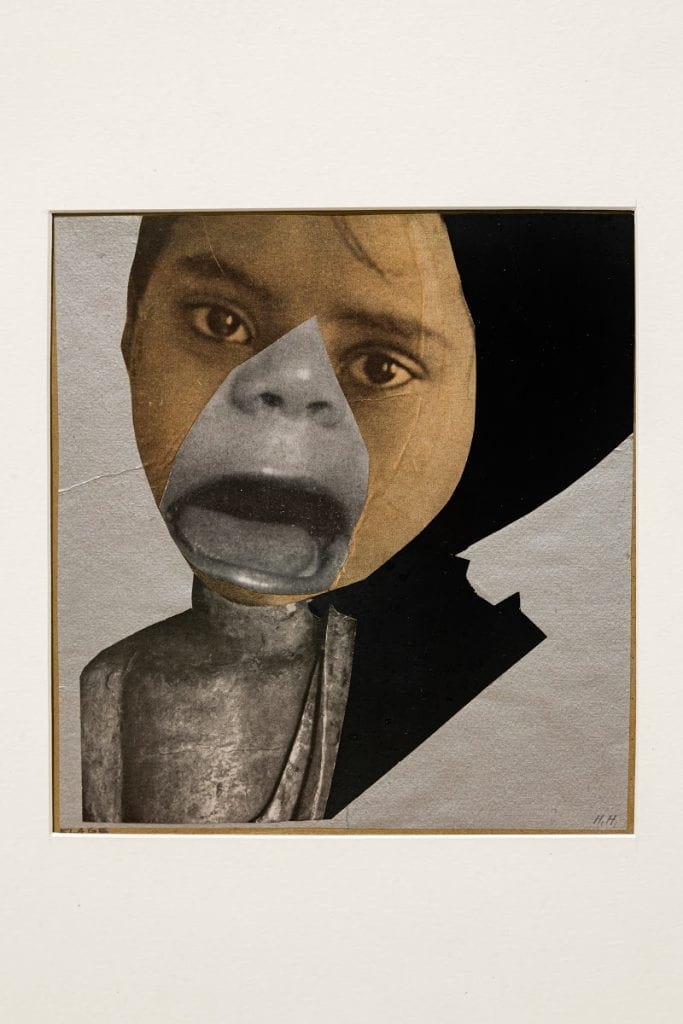
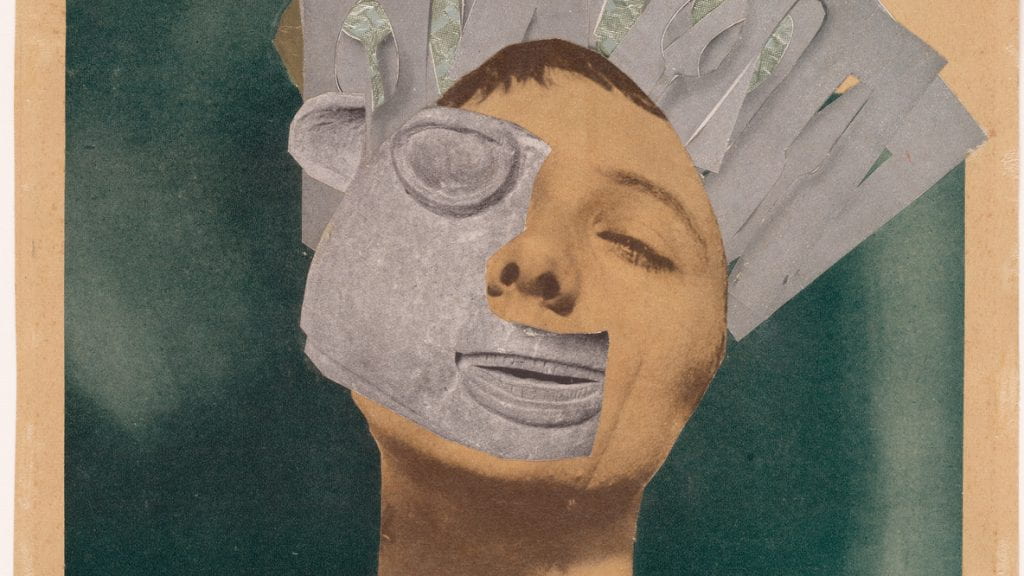
Hannah Höch
Höch’s most famous work, effortlessly titled ‘Cut with the Dada Kitchen Knife through the Last Weimar Beer-Belly Cultural Epoch in Germany’, shows her ideals and techniques in synthesis. A collage of newspaper clippings, the work challenges the racist and sexist codes upholding Weimar Germany. Throughout her career, Höch would challenge the marginalised place of women in twentieth century Germany. She drew together fashion magazines, illustrated journals and photography to pioneer a form bent on demonstrating that art itself could be collected from the everyday clutter of modern life.


Raoul Hausmann

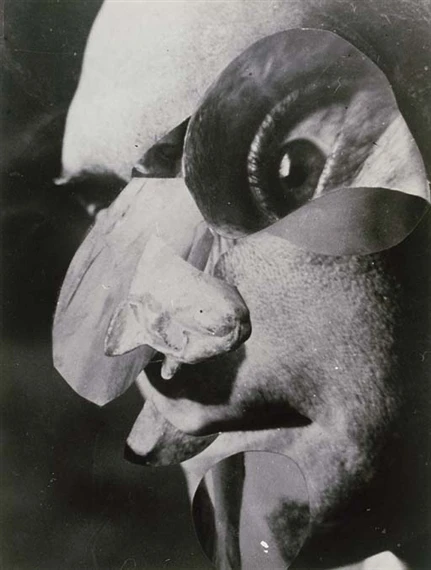
Austrian artist and writer. One of the key figures in Berlin Dada, his experimental photographic collages, sound poetry, and institutional critiques would have a profound influence on the European Avant-Garde in the aftermath of World War I


Peter Kennard
Kennard explored issues such as economic inequality, police brutality and the nuclear arms race between the 1970s and the 1990s.
Shocking, haunting and unsettling, the photomontages of Peter Kennard live long in the memory.


Here, Kennard gives TateShots a tour of his studio in Hackney, London in anticipation of the release of his book ‘@earth’.
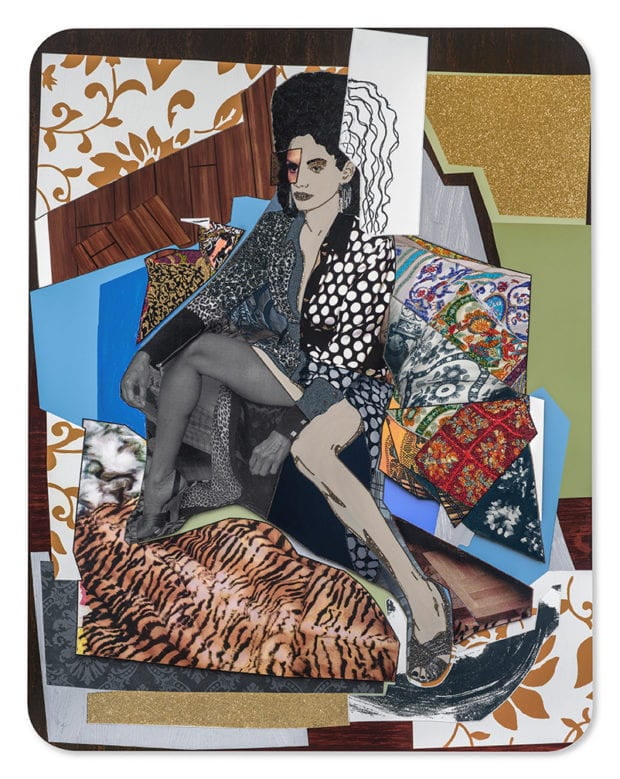
Mickalene Thomas

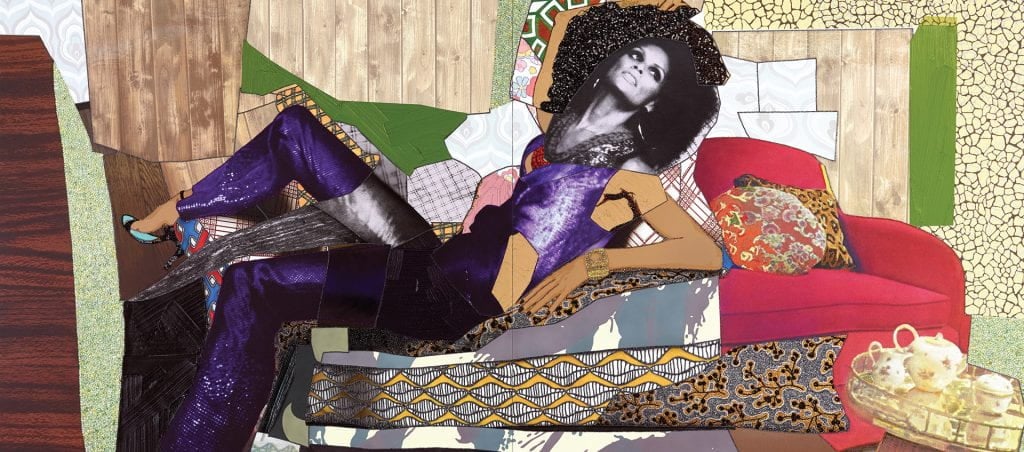
In her collages, Mickalene Thomas portrays Black women posed confidently among patterns and surfaces often found in the home
“It’s making sense of all these things that are in your everyday life… You take all of the components and you make it into your own-sourcing very various cultural, metaphorical, and spiritual aspects, and combining them together, which is collage.”
Mickalene Thomas


Elenor Shakespeare
Eleanor Shakespeare is an illustrator and designer based in south London. Her photomontage and collage images combine ephemera, found images and her own photographs with hand lettering to create beautiful illustrations. Her work has featured in the Telegraph Magazine, Therapy Today and Boneshaker magazine
Guardian Newspaper 2022
“The UK government’s race report is so shoddy, it falls to pieces under scrutiny”

TASK 1 INSPIRATION
1. What is your understanding of Photomontage?
2. Create a gallery of photomontage images
3. Include insights into pioneering photomontage artists, such as Franz Falckenhaus (see below)
3a. CONTEXT
– Provide insight into the context and meaning behind their work (cultural/historical references)
3b. VISUAL ANALYSIS
Pick one image to analyze. Explain the following:
– What images have they chosen and how many images make up the photomontage?
– How have the images been arranged?
– How have the images been manipulated (cutting, rearranging, making strange etc.)
– What is the ‘persona’ (personality) of the character?

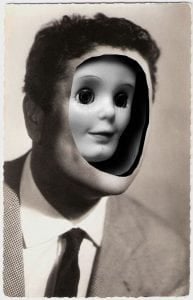

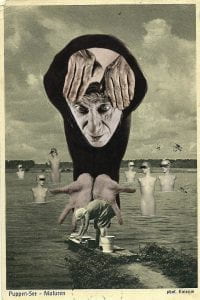
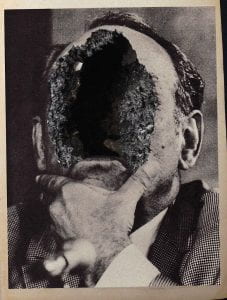
PERSONA PHOTOMONTAGE
TASK 2 PLANNING
Ideas for a ‘persona’
– Be inspired by someone real and pick elements that represent them, or you could invent someone entirely from your imagination.
– How will you represent these visually e.g. images, graphic shapes, backgrounds, and typography?
EVIDENCE
Mindmap on A4 paper
Consider the following:
– personality traits (mood, emotion)
– identity (interests, ideas, concerns, beliefs) and how you will visually represent this?
Think about the artists above
– Write your name on the front ready to be scanned and uploaded to your webpage.
Website
– Uploading your mind-map
– Include images, videos, and other information to help you flesh out your character’s persona
IMAGES FOR PHOTOMONTAGE
You will need to find multiple images to create your persona photomontage. Save them to your dropbox folder.
– There are 100s of images on the DropBox
– These images have been found at UnSplash.com. You can create an account and find millions of free stock images here.
– You might want to use images at home you can use e.g. photos, books, magazines. Take photographs on your phone and send them to your email, Teams or OneDrive.
– To get you going there are lots of images of body parts and facial features which can be found in the Graphics folder in the DropBox.

TASK 3 CREATE

Create a ‘persona’ photomontage using a mash-up of images using Photoshop
PHOTOSHOP
Using Layer Masks


Transforming & Warping

ASSIGNMENT
Create a new page on your website and add it to your menu. The title is “Persona”
TASK 1 INSPIRATION
1. What is your understanding of Photomontage? You might include pioneering artists, artworks, cultural/historical references
2. Create a gallery of photomontage images
3. Pick out one image to analyse. Explaining the following:
– What images have they chosen and how many images make up the photomontage?
– How have they manipulated the original images (cutting, rearranging, making strange etc.)
– How have they arranged the images?
– How have they created a ‘persona’ (personality)
TASK 2 PLANNING
Mind-map a ‘persona’
Be inspired by someone real and pick elements that represent them, or you could invent someone entirely from your imagination. How will you represent these visually e.g. images, graphic shapes, backgrounds, and typography?
Consider the following:
– personality traits (mood, emotion)
– identity (interests, ideas, concerns, beliefs) and how you will visually represent this?
– Write your name on the front ready to be scanned and uploaded to your webpage.
TASK 3 CREATE
– Using your planning and reflecting on inspiration, create your ‘persona’ photomontage.
– In Photoshop, create and A4 document. Save this into your named folder in the Dropbox. There is a ‘Persona’ folder created for you. Title the file is with the name of your chosen persona.
– To get you going there are lots of images of body parts and facial features which can be found in the Graphics folder in the DropBox.
– When searching for images, ensure they are high res and not WEP files as they can’t be opened in Photoshop. You can also find high-res images on the stock image website unsplash.com.
TASK 4 MID-PROJECT REVIEW
– Export and upload your persona photomontage
– Link to your mindmaps here
– How has your research helped to inform your ideas? Which artist is helping you to inform/develop your ideas/techniques
– Pick one thing you like about your work and two things you could improve
TASK 5 END OF PROJECT EVALUATION
– What images did you choose and how many images make up your photomontage?
– How have you manipulated the original images (cutting, rearranging, making strange etc.) Which Photoshop tools did you use?
– How have you arranged the images?
– How have you created a ‘persona’ (personality)