Graphics ASSIGNMENT Page Layout
Use this page to help structure your work
Using Blocks to Build and Add
Content to your WebPage
HEADER BLOCK

Use the heading block to format your writing
MEDIA & TEXT
When writing about a specific image you can use Media & Text Block to anchor the writing next to the image (like this)

SPACER BLOCK


You can add space between blocks by using a Spacer Block
PAGE STRUCTURE
Introduction (heading)
Explain the project. What is your understanding of the techniques/inspiration?
Use the assignment page to help.
Research Image Gallery

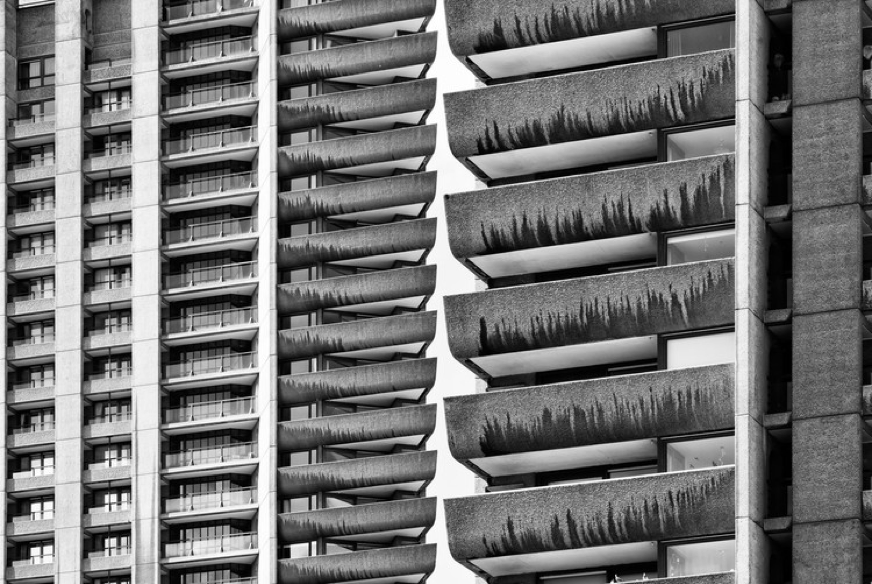


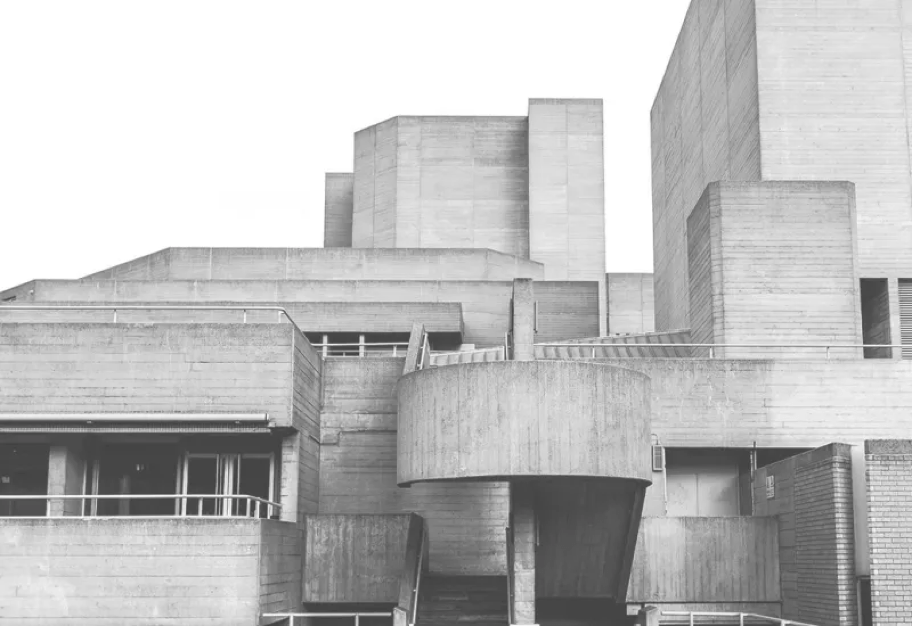
Initial Experiments
Explain what you have been asked to do and how you intend to do it


Halfway Review
1. Which Photoshop tools did you use to create your design?
e.g. Quick Selection Tool, subject selection, select and mask, Refine Edge Brush
2. How have you used the brutalist lines, concrete block formations, geometric shapes and repeat formations to build your brutalist photomontage?
3. What is going well, what might you do to improve?
Final Outcome


Evaluation
- Based on the brief, how successful is your outcome?
- Describe the steps taken to achieve the finished piece. Explain how you refined your design over time. What decisions did you make?
- Is it aesthetically pleasing? Consider the structure:
– Composition (the arrangement/layout of the piece, is it off-centre?)
– Diagonal/vertical/horizontal lines
– Form (what is the shape of the key objects in the image?)
– Layers (building it up, in Photoshop)
– Sections (different parts, is it broken up or merged together?) - What is missing?
- What could be removed?